
When a customer signs up for a virtual mailbox, they must use a unique email address for each account. This is because the email serves as the identifier for an active account.
If a customer wants to open mailboxes at different locations or multiple mailboxes at the same location they’ll need to use a different email address for each signup.
However, customers with multiple accounts can request to have them merged for Single Sign-On (SSO) purposes only, allowing them to:
Log in using a one email address while keeping inboxes and billing separate for each mailbox.
Easily switch between mailboxes through the app or online portal.
Manage all mailboxes from one account, enhancing organization and convenience.
Please see image below, on how customers can toggle between mailboxes. 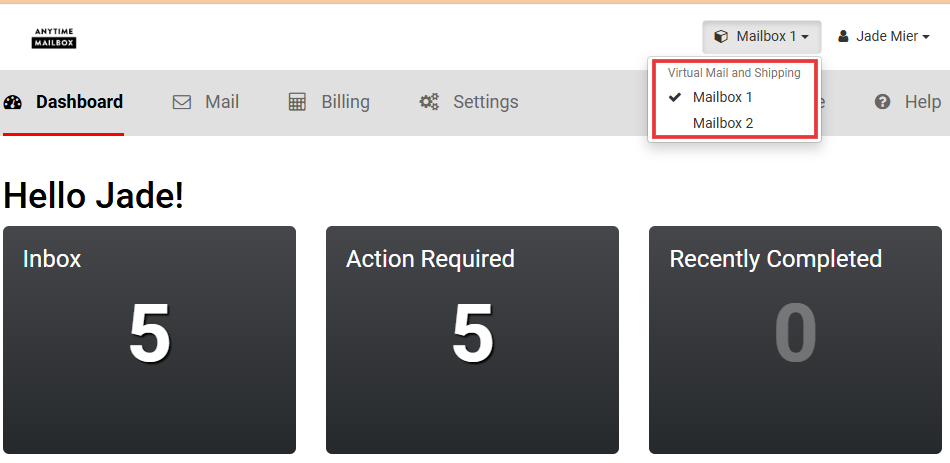
If you need assistance with a customer's account merger, please reach out to our Partner Support team, and we will be happy to take care of this for you.