
If you have a customer who is requesting to forward a mail to an address tagged as “Unverified” which you have previously approved, it is because the customer submitted multiple verification requests for their forwarding address. Even if you already approved one, the active forwarding request is tied to a second submission that is still pending.
Where to Find and Approve Pending Requests in the Partner Portal
Option 1: Via Dashboard Widget
From your Partner Dashboard, click the USPS Compliance widget box.
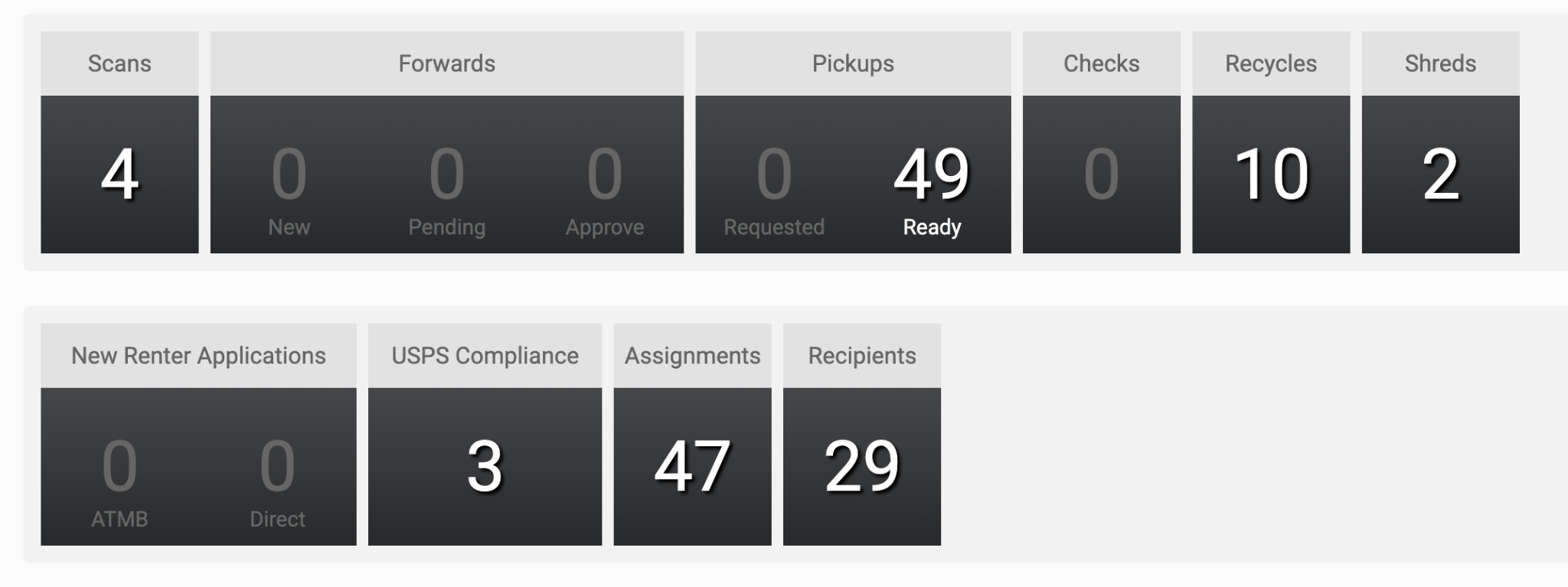
This will display a list of all submitted customer requests, including account re-verifications and forwarding address verifications.
Locate the pending forwarding request for the customer, review the uploaded compliance documents, and click Approve (ensure all pending submissions for that customer are approved).
Option 2: Via Navigation Menu
From the left-hand navigation menu on your dashboard, click the Customers tab.
Select USPS Verification.
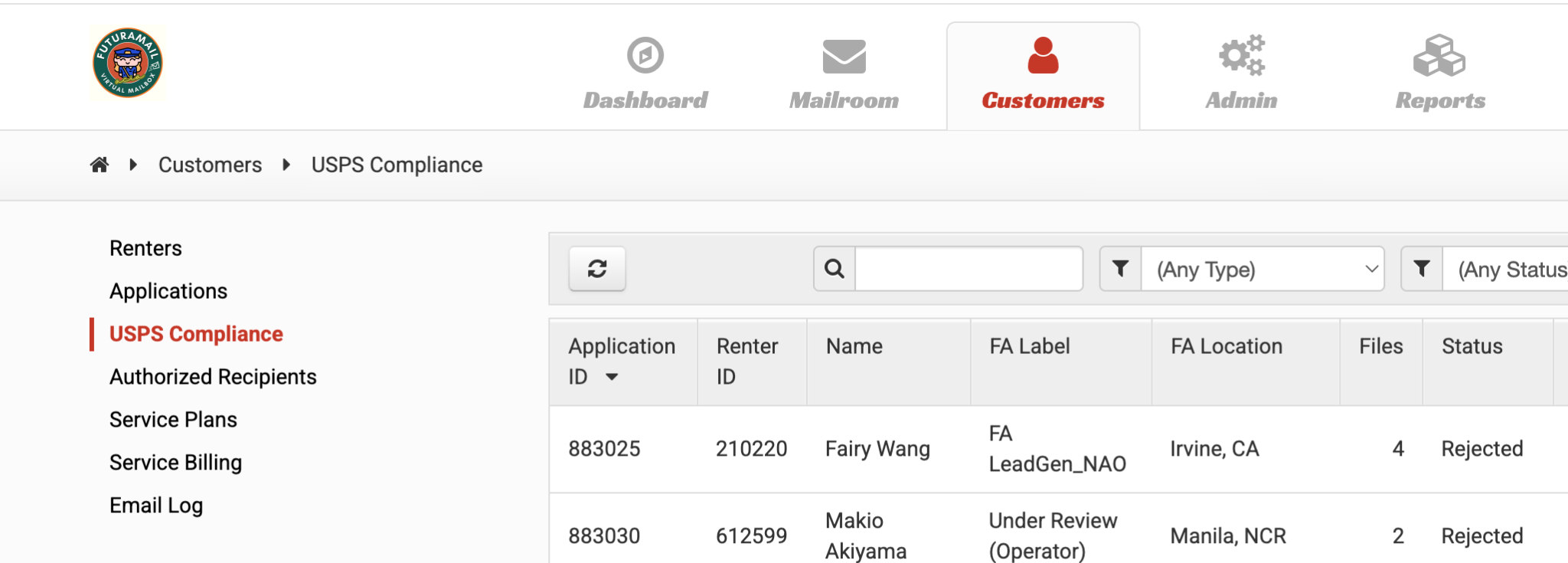
You will see a complete list of all applications for re-verification and forwarding addresses awaiting review.
Locate the customer's pending requests, verify the uploaded IDs and forms, and approve each one.