
As part of the Anytime Mailbox Billing Modernization, mailing centers are being migrated to a new billing system in phases.
Below are the key signs that yo ur location is about to be migrated to or is already using the new billing system.
You Receive Billing Notification Emails
- Before and during migration, you will receive several email notifications regarding the billing update, such as a billing launch reminder, a billing post-launch notification, etc. These emails help prepare you for the billing transition.
Portal Access Changes
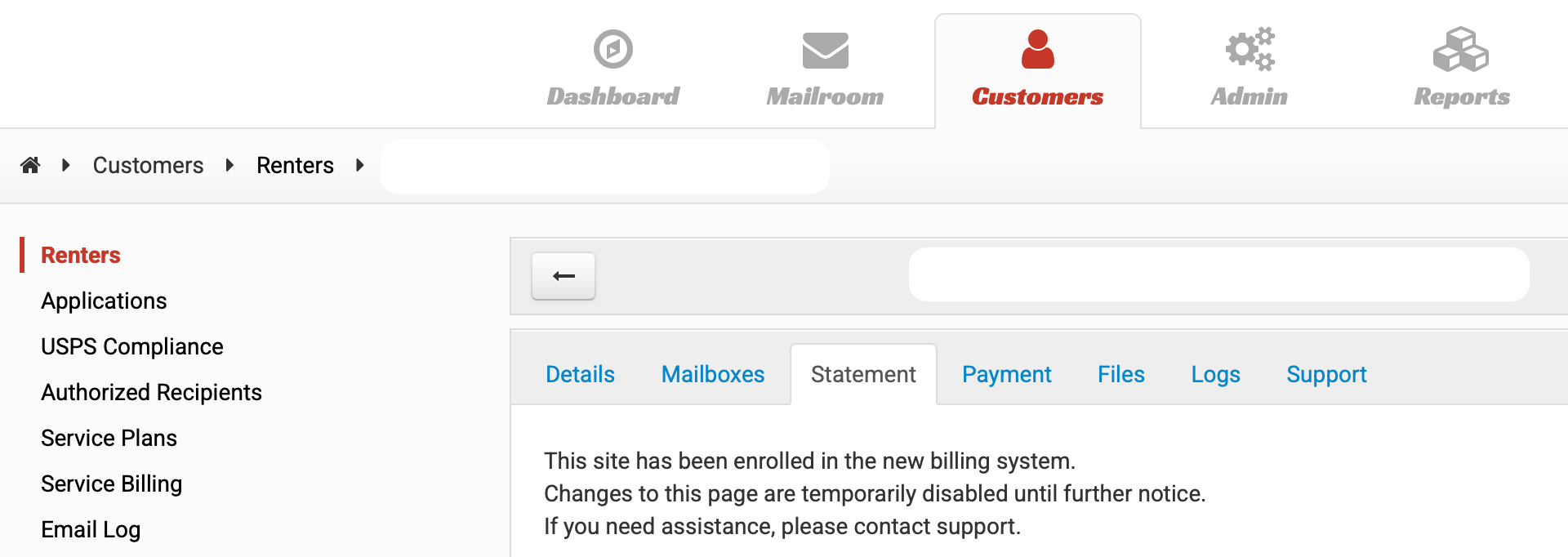
Customer statement tab notice
When accessing a customer's Statement tab, you may see a notice indicating that the site has been enrolled in the new billing system.
The notice confirms that:Billing for this location is now managed through the new billing platform
Changes to this page are temporarily disabled
Restricted or Read-Only Portal Features
After migration, some features in the portal will be restricted or in read-only mode, including:
Service Plan settings
Disbursement details
Payment information
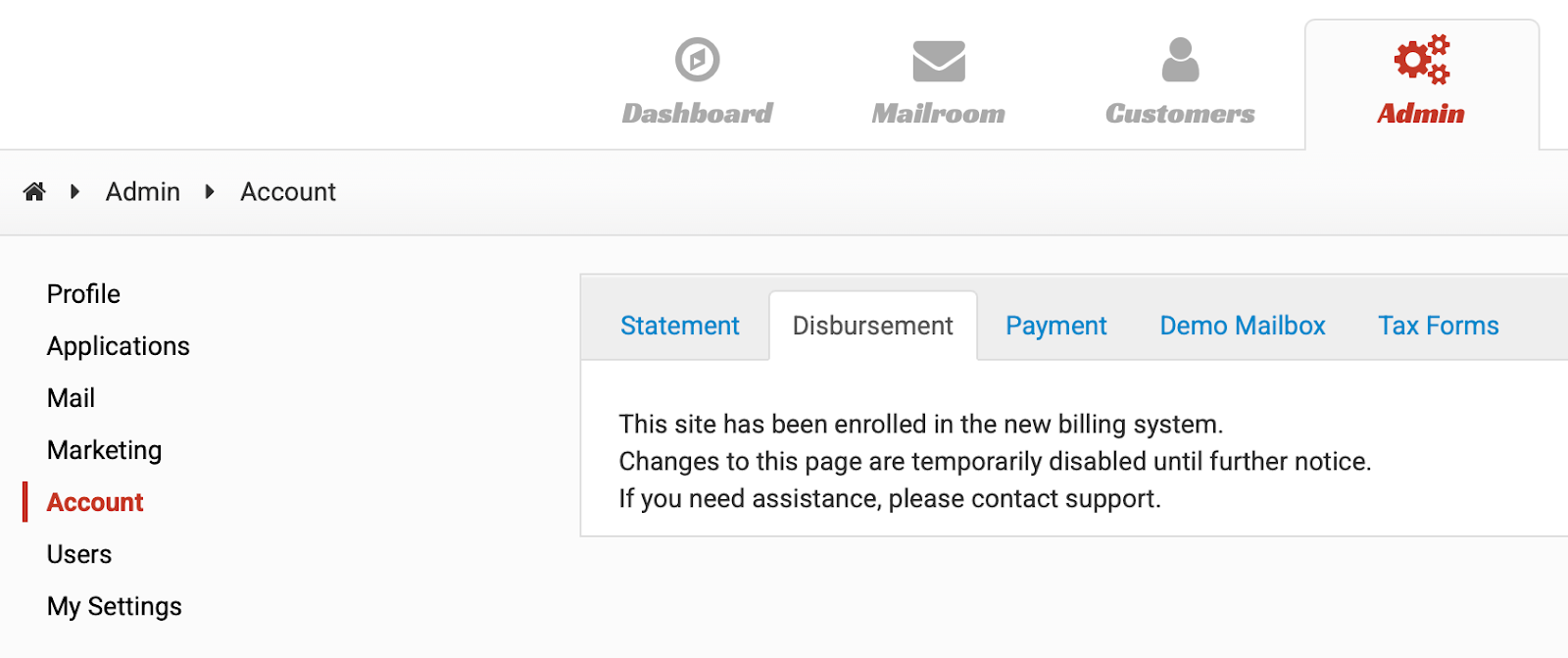
The Account > Statement tab option will also no longer populate new billing details.
If you need to update your payment or disbursement information, please click this link to contact our support team.
Completing Forward Request
When completing a Forward Request, the funding option will be to “Add to Next Invoice,” ensuring the service is properly billed on the customer’s next invoice.
You Receive Statements by Email
Once migrated, your Invoice, Earning Statements, and Disbursement are automatically sent to you by email with an attached PDF file from the new billing system.
Updated Invoice and Statement Layout
Your invoice may now show Management Fee, Software Subscription Fee, and Sales Tax (if applicable) as separate line items.
Your earning statement now shows the total earnings collected for your services instead of individual mailbox fees.
Invoice line items (Management Fee, Software Subscription Fee, and Sales Tax (if applicable) will also appear on the earning statement as deductions for transparency.
These updates provide a clearer breakdown of charges, earnings, and deductions under the new billing system.
Still Seeing the Old Billing Layout?
If you do not see the changes described above, your mailing center may still be using the old billing system and has not yet been migrated.
For information about the current billing process or related questions, please refer to our guide here: [Billing Management]